
See who is here
The extension shows active Pep users on the same page or video, with anonymous viewers grouped cleanly.
AI collaboration for shared context
Open Pep wherever you learn, build, or explore. Join an existing group or create your own, then chat, share notes, draw, plan tasks, and keep everything together in the app.

 4
423K views · Product strategy
Product demo
Voice AI
Startup ideas
Pep AI
3 people here
Watching now
Chat, notes, whiteboard, tasks
Use Pep on what you are already viewing
The group stays connected to that page, so everyone knows what the conversation is about.
Chrome extension
A small Pep bubble sits on the page. Open it to see who else is watching, browse groups tied to that context, chat with connected people, or continue into the full Pep AI application.
The extension shows active Pep users on the same page or video, with anonymous viewers grouped cleanly.
Exact groups show only when they exist. Otherwise, browse groups or create one around the current page.
Connect with people, request a chat, and keep direct messages close without leaving the page.
Open the full Pep AI app when you need whiteboards, notes, tasks, and deeper collaboration.
One group, all context
Talk in direct chats or focused groups.
Sketch, map, explain, and plan together.
Keep the important context editable.
Ask for help inside the group context.
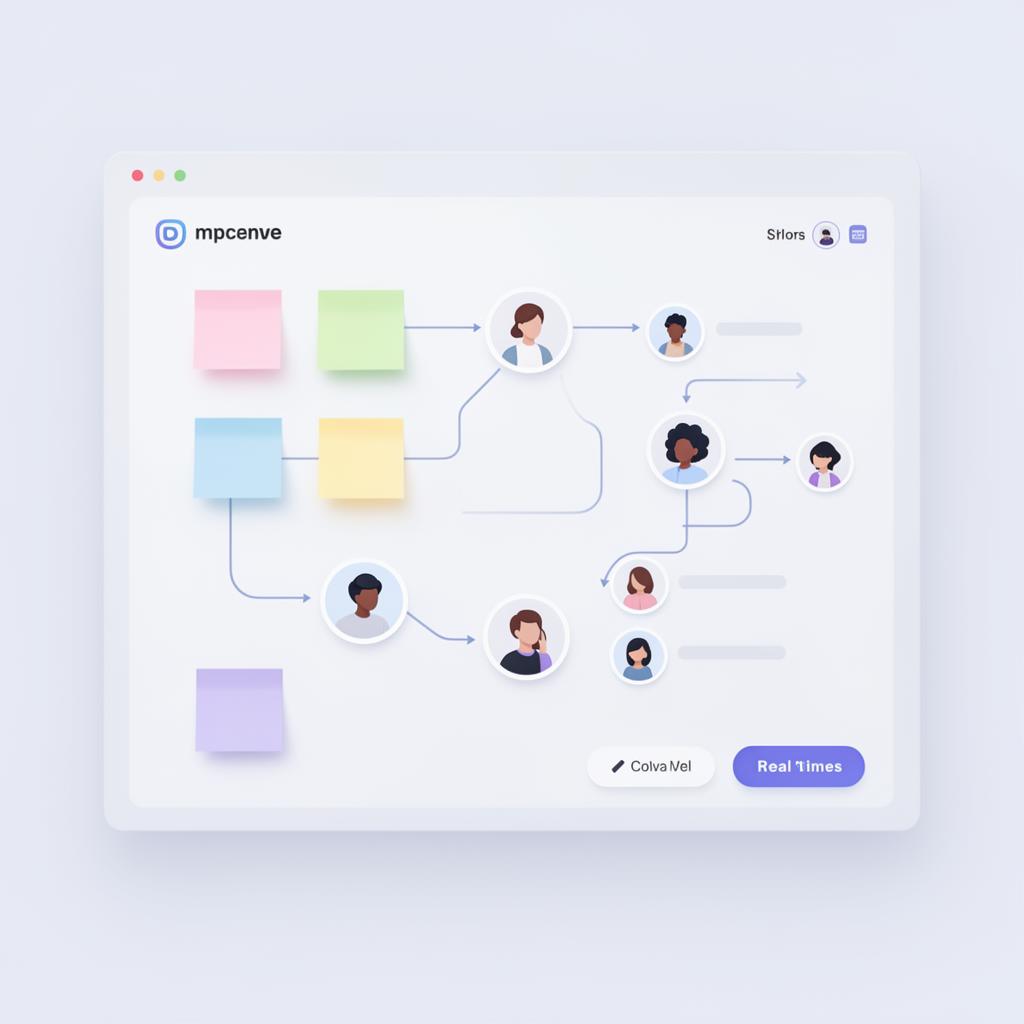
Open Pep from a page or paste a resource. The group stays centered around the thing people came to discuss.

Ask for summaries, explanations, next steps, or brainstorms without moving the discussion somewhere else.

Notes, whiteboards, tasks, links, and messages stay available when people come back later.
Discovery without noise
Pep AI checks public groups around the current context first. Private groups stay private. If the right group exists, people can open it, join, or request access. If nothing matches, they can start the first group and share it.
Pep AI